StarCraft-Style Pathfinding in the Browser
In StarCraft II, movement looks simple. You select two hundred units, right-click past a narrow ramp, and they go. The ones in front step aside for the ones behind. Nobody gets stuck on a corner. Small units slip through gaps that large ones go around. When the group arrives, it settles into a loose blob instead of fighting over the exact spot you clicked. You only notice how much work goes into this when a game gets it wrong.
Blizzard described how this works in a 2011 GDC talk by James Anhalt, and players have filled in many of the details since. The engine splits the problem into two parts that know little about each other: finding a route across the map, and moving along it among other units.
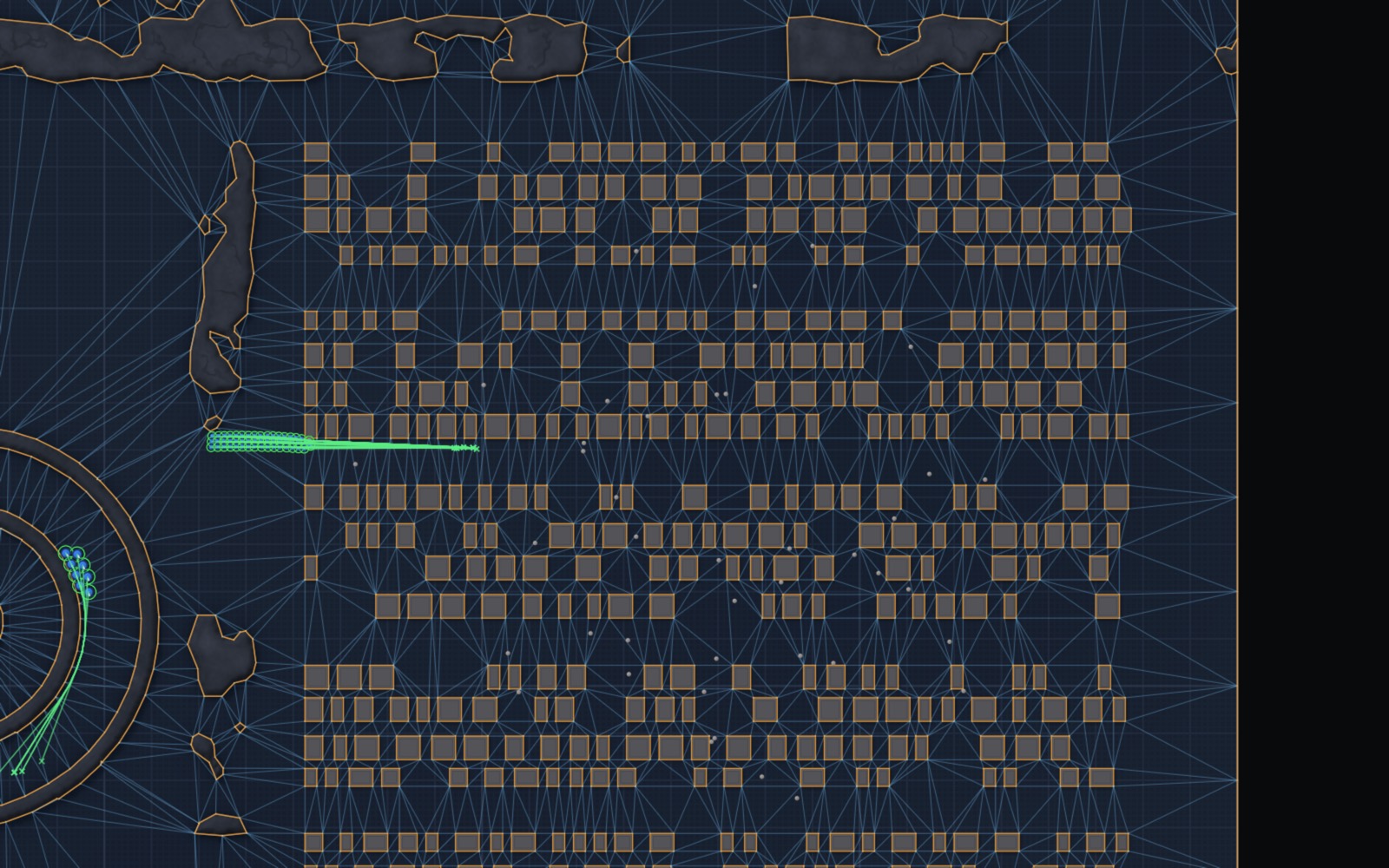
For the route, the map is not a grid of squares. The open ground is covered by a mesh of triangles whose edges follow the cliffs, rocks and buildings exactly. When a building is placed, the mesh is updated around it. A unit's route is found by searching from triangle to triangle, then pulled tight around the corners, keeping the unit's radius clear of the walls. Because the unit's size is taken into account when the route is computed, one mesh serves every unit, from a small worker to a large tank.
Moving along the route is handled by steering. Each unit looks a short distance ahead along its current direction, finds the first unit it would run into, and turns toward the side with more room. Units also push each other, according to a few strict rules. A moving unit pushes idle friendly units out of its way. A unit told to hold its position is never pushed. Enemy units never push each other: they block, and you steer or path around them. Most of what players think of as the "feel" of StarCraft movement comes from these pushing rules rather than from the route itself.
Groups follow a few more rules. If the units are clumped together and you click somewhere outside the group, they keep their positions relative to each other, within a limited box, so a group moves as a group. If you click inside the group, they all converge on the point. Units stop when they reach the target, or when they bump into a unit from the same order that has already stopped. Stopped units can be pushed again, so late arrivals nudge the early ones and the blob settles. Separation between units is weak on purpose, which is why armies tend to compress into the tight ball players call a deathball.
None of this is especially exotic, but it all has to work together, for hundreds of units at once, on a map that changes during the game. I wanted to find out what that takes, so I built a demo of it that runs in the browser.
Demo: rts-pathfinding-demo.web.app
Source: github.com/davudk/pathfinding-demo
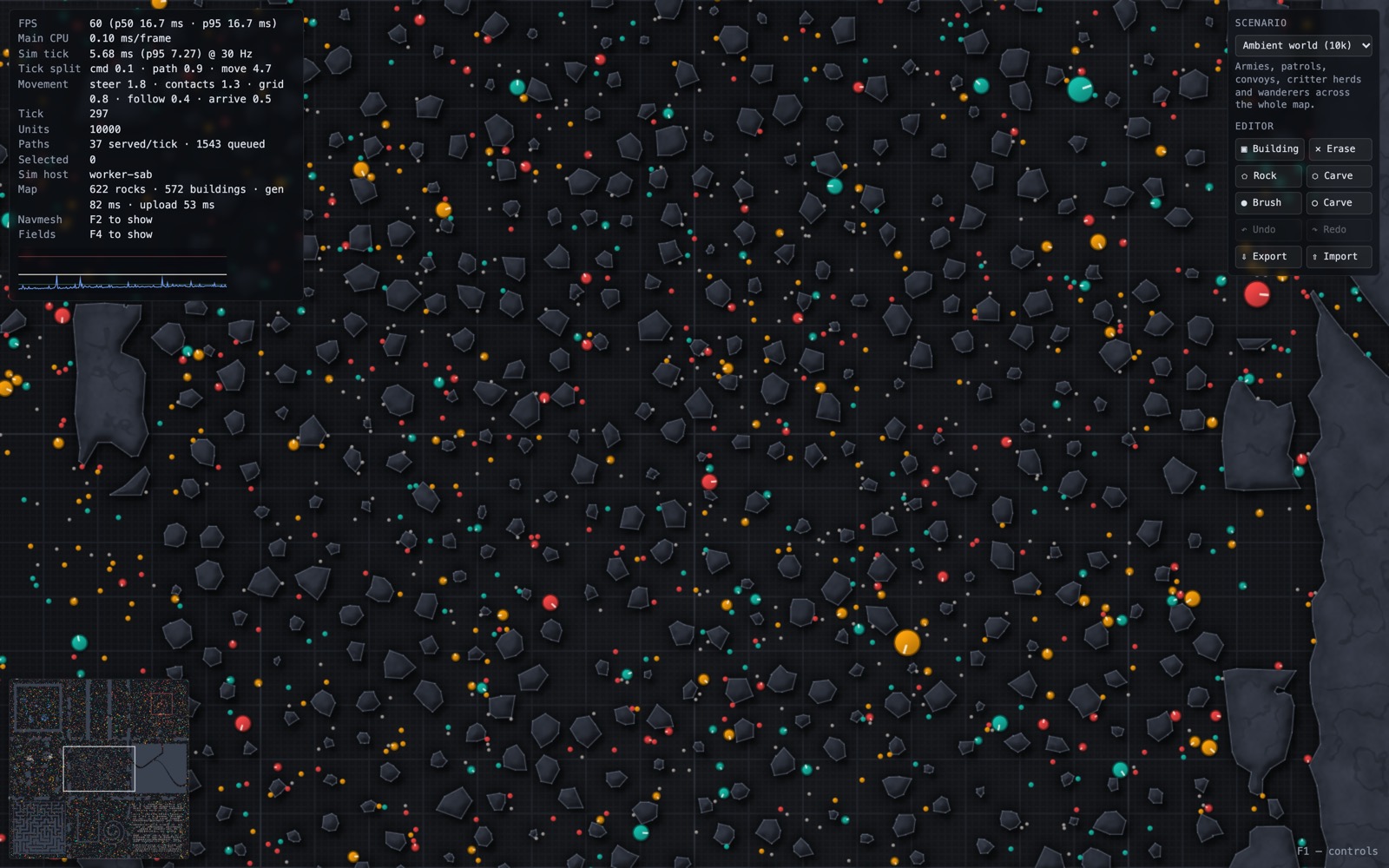
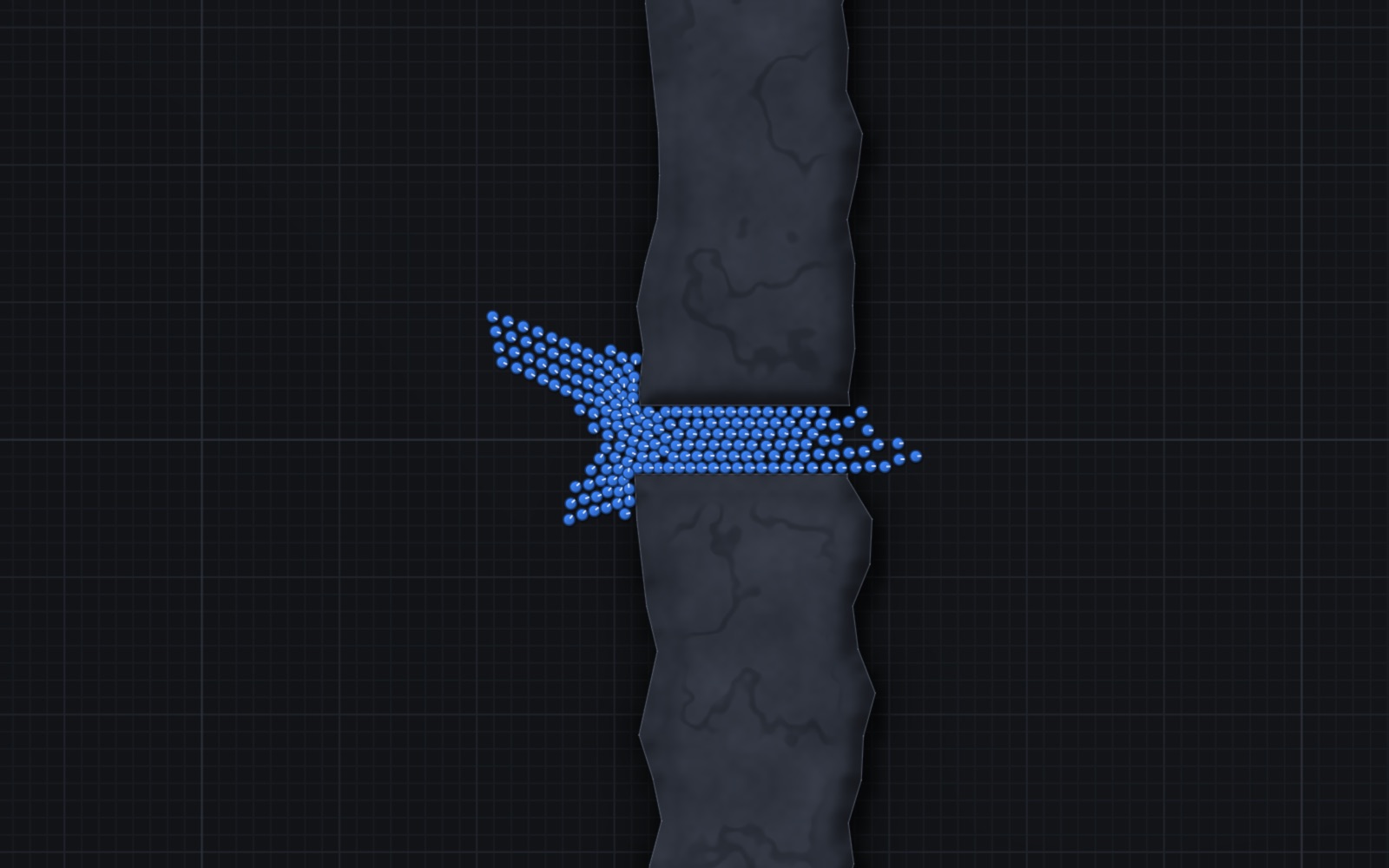
The demo follows the same design. Ten thousand circular units of different sizes and speeds move across a large map with rocks, narrow passages and buildings. You can select a group, send it somewhere, place a building in its way, and watch it adjust. The map is a triangle mesh, and each edge of the mesh knows how wide a gap it leads through, so a large unit simply refuses gaps that are too narrow for it. When you place a building, it is cut into the mesh on the spot, and only the routes it affects are recomputed. Units steer around each other and push by the same rules: idle allies get shoved aside, units holding position never yield, and units of different sides never push each other.
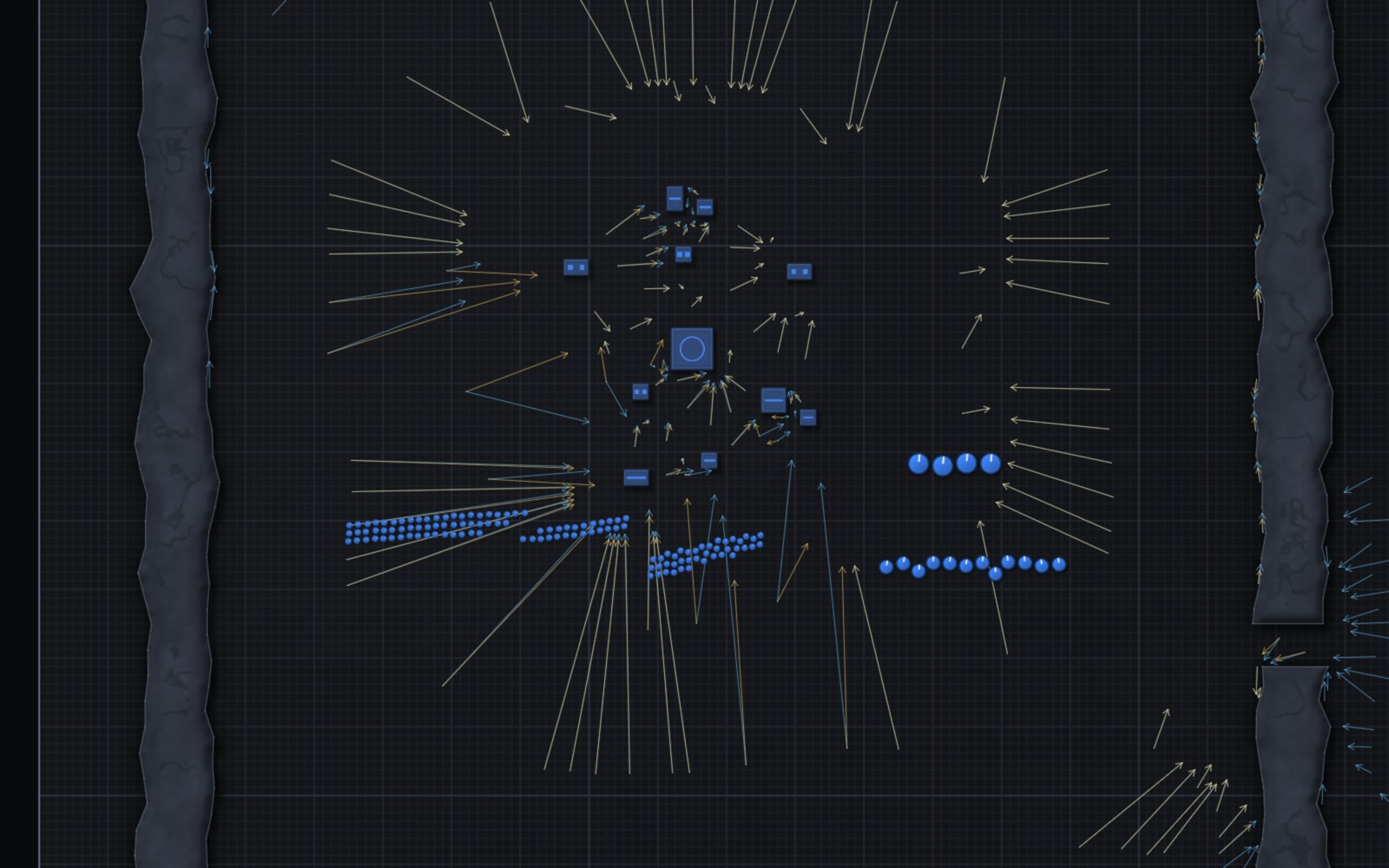
Where the demo differs is scale. When five hundred units are sent to the same place, it does not run five hundred route searches. It builds one shared map of directions toward the destination, and every unit follows it. When a wall of units that won't move blocks the way, units look for a short detour around it. And to make the map feel alive, most of the units are not waiting for orders. Some wander, some patrol, a convoy follows a route, and herds of neutral critters graze and scatter when an army comes through. They use the same orders and the same pathfinding as the units you control.
The simulation runs in the background at 30 steps per second, separate from drawing, and it is deterministic: the same starting point and the same commands always produce the same result. The screen is drawn at the display's full frame rate, with unit positions smoothed between simulation steps. On an Apple Silicon laptop, with all ten thousand units moving, a simulation step usually takes about 9 milliseconds, and the page stays at 120 frames per second.
I built this with Claude Code, Anthropic's coding agent. Before any code was written, it researched how commercial RTS games and published papers approach each part of the problem, and the findings went into a plan with ten milestones. I directed the work, made the design decisions, and tested each milestone in the browser before moving on. The code was written by the AI. The whole thing took about a day.
It is not finished. When two groups pass each other head-on, they form diagonal lanes rather than clean parallel streams. Carving or adding terrain rebuilds the whole navigation mesh, which takes a noticeable fraction of a second. And it is movement only: there is no combat, so units never have a reason to fight over where to stand.
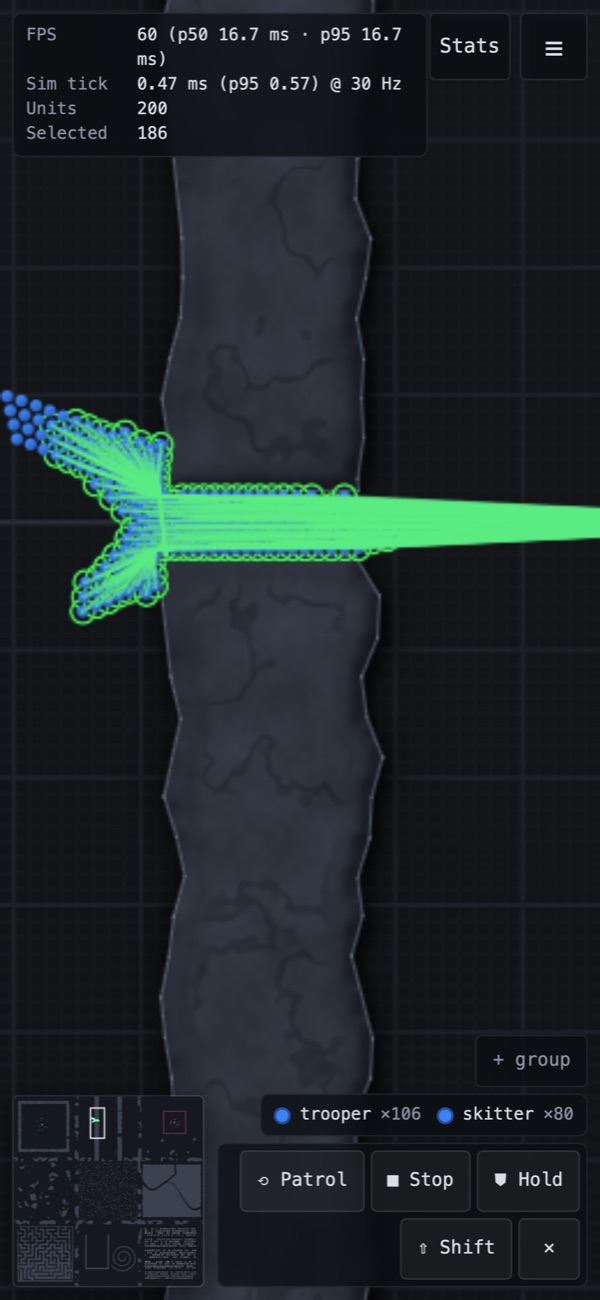
If you try it, start with the scenarios in the panel at the top right. The chokepoint scenario sends two hundred units through a narrow gap, and the editor lets you drop buildings and rocks in their way while they move. Press F1 for the controls. It also works on phones and tablets, with touch controls.